
How to add the Barracuda Essential Encrypt Message Add in for outlook
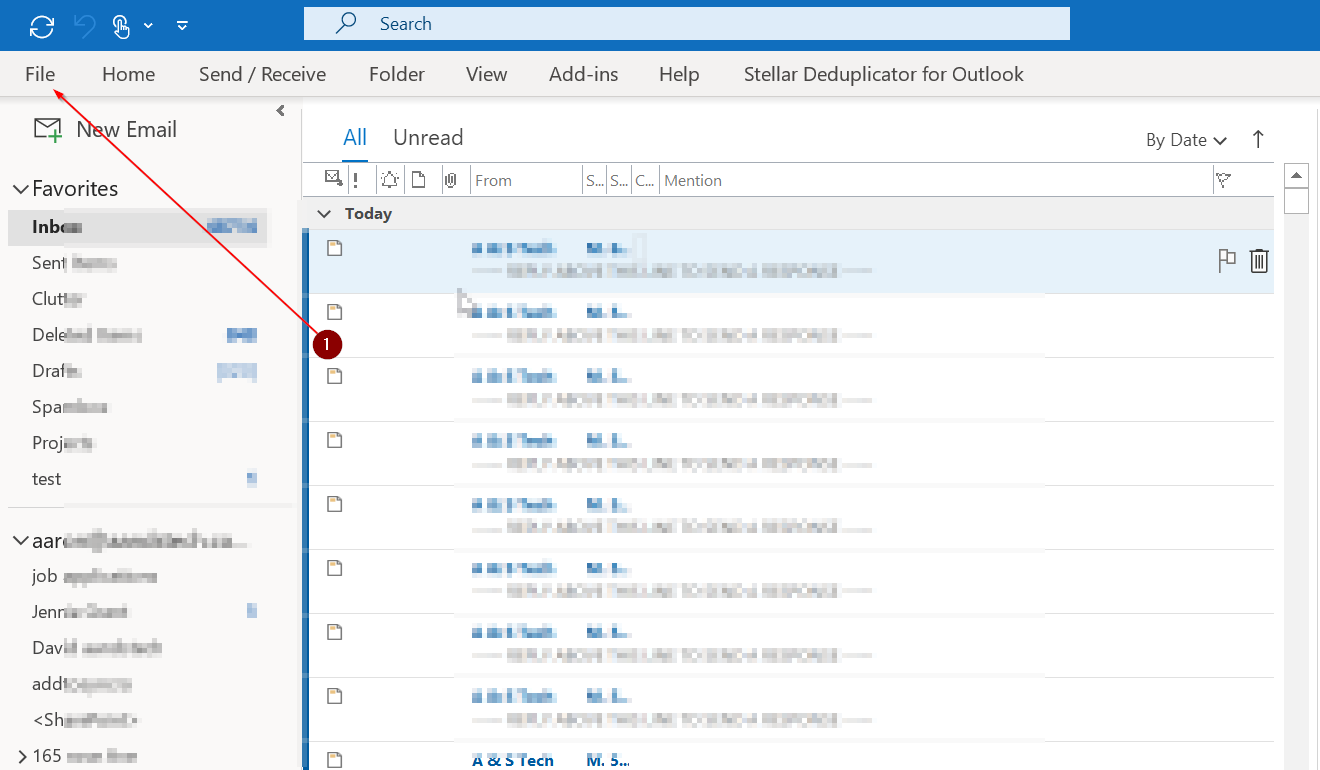
Step 1. Go to outlook click on file
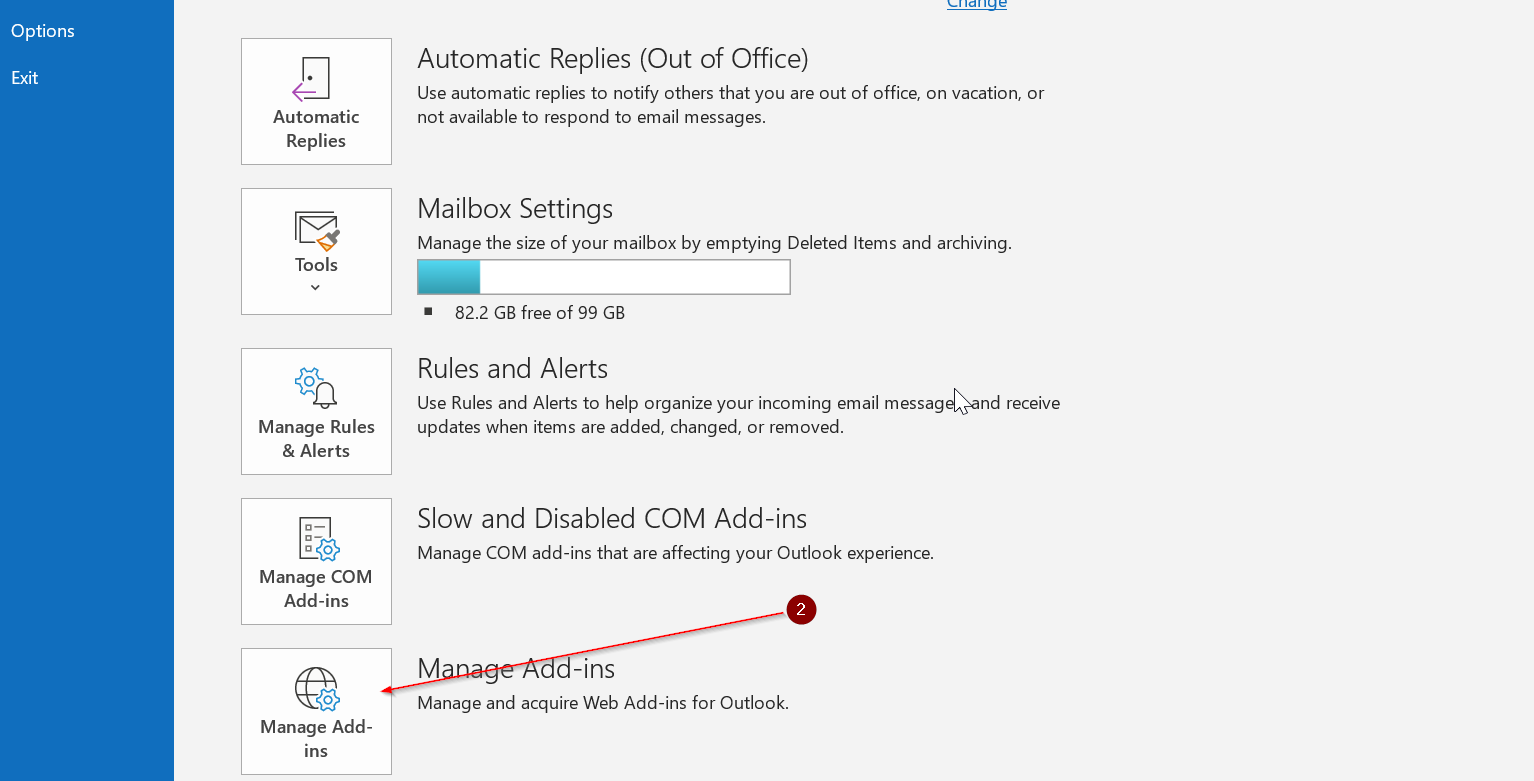
Step2. Click on Manage Add-ins
Step 3. It will take you to a website Log in with your office 365 username and password

Step 4. Search for the Barracuda addin

Step 5. Click Add on the Barracuda Essentials for outlook Add-in